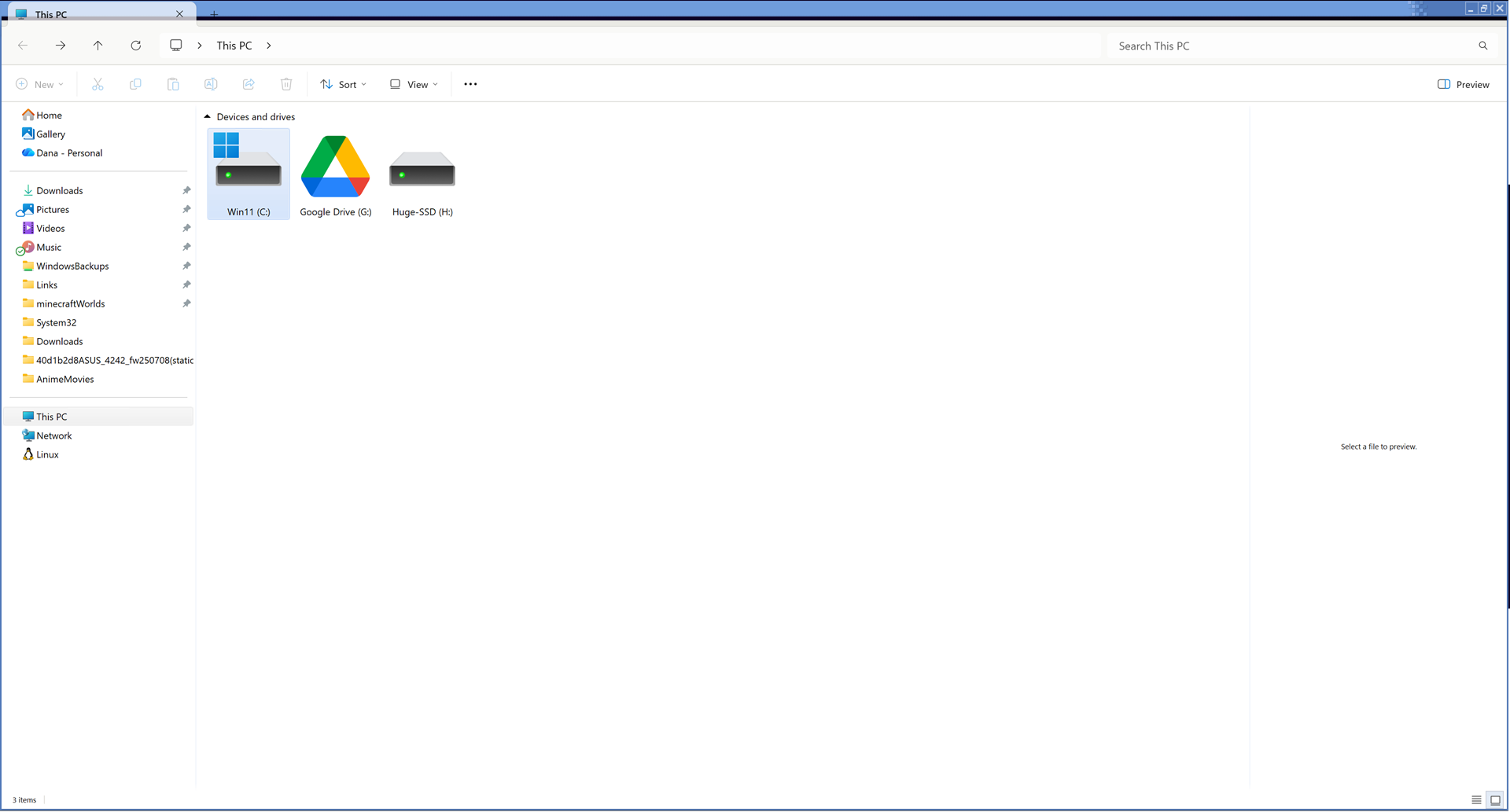
With a number of Windowblinds themes in Windows 11, Explorer has a weird gap at the top of the navigation and content areas, or between the menu bar / toolbar and the content areas. I can see through it to the window underneath.
Weirdly, I can't seem to capture the peek-through in a screenshot, perhaps due to some leak-prevention code in Windows.
Note that I'm using a scaling factor of 200% on my main monitor, because it's 4K at 27 inches. For that size and resolution, 100% would be unreadable and 150% would be blurry.
[code]
Windows 11 Professional 25H2 (26100.ge_release.240331-1435)
WindowBlinds 11.06 (021 x64 - Windows 11 Edition) - 64 bit OS
Window titlebar blur features are enabled on this operating system
Wblind.dll 2025/04/08 08:53:23
Wblind64.dll 2025/04/08 08:53:49
Wbsrv.dll 2025/04/08 08:53:33
WB11Config.exe 2025/09/10 09:37:10
Wbload.dll 2025/04/08 08:54:38
Screen10.exe 2025/04/08 08:54:45
[/code]
Mac Classic theme:
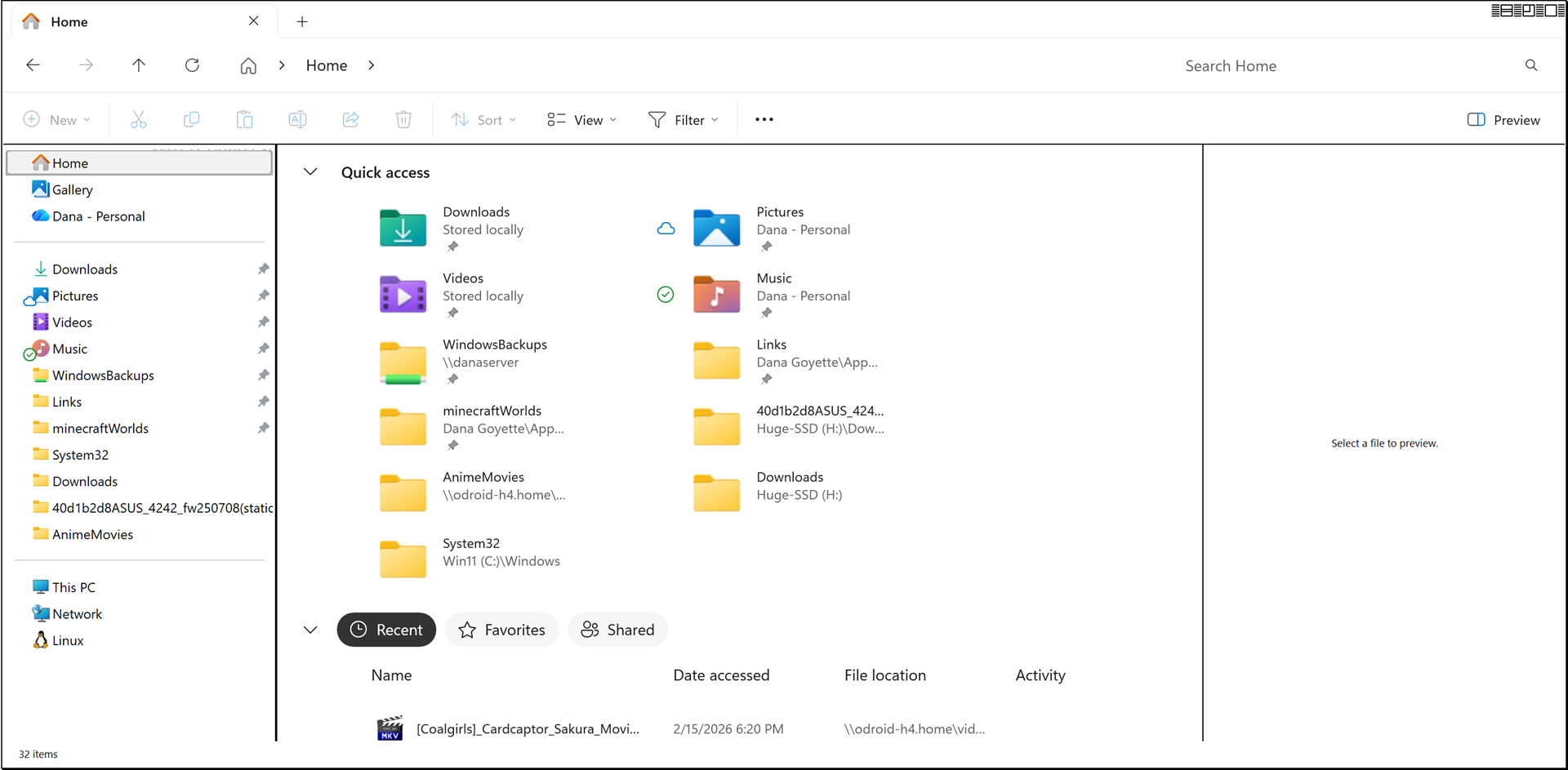
Sakura theme: (look closely just to the right of the up arrow on the scrollbar)
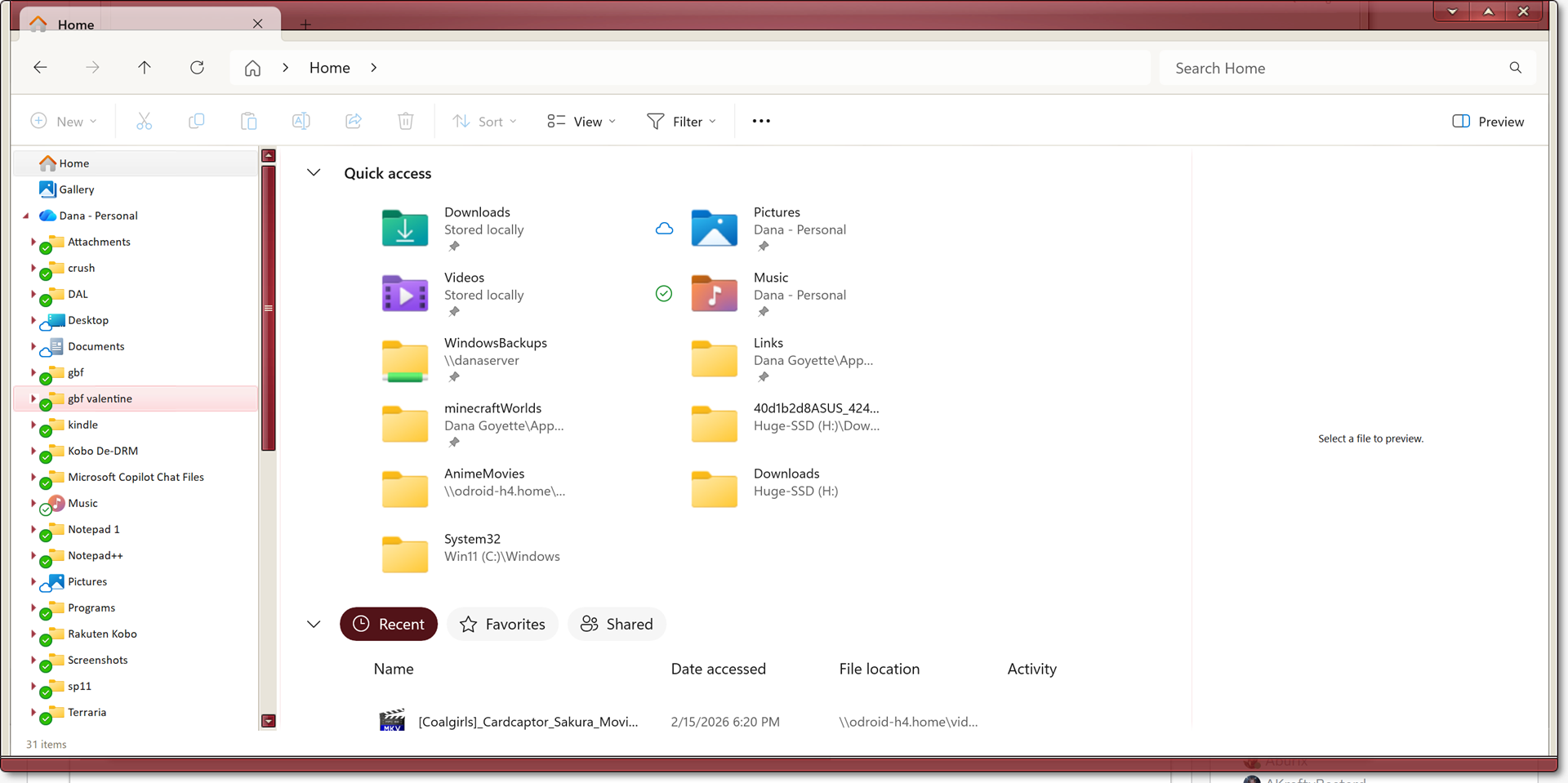
eXperience 11 theme: "Windows Classic (Win11)"
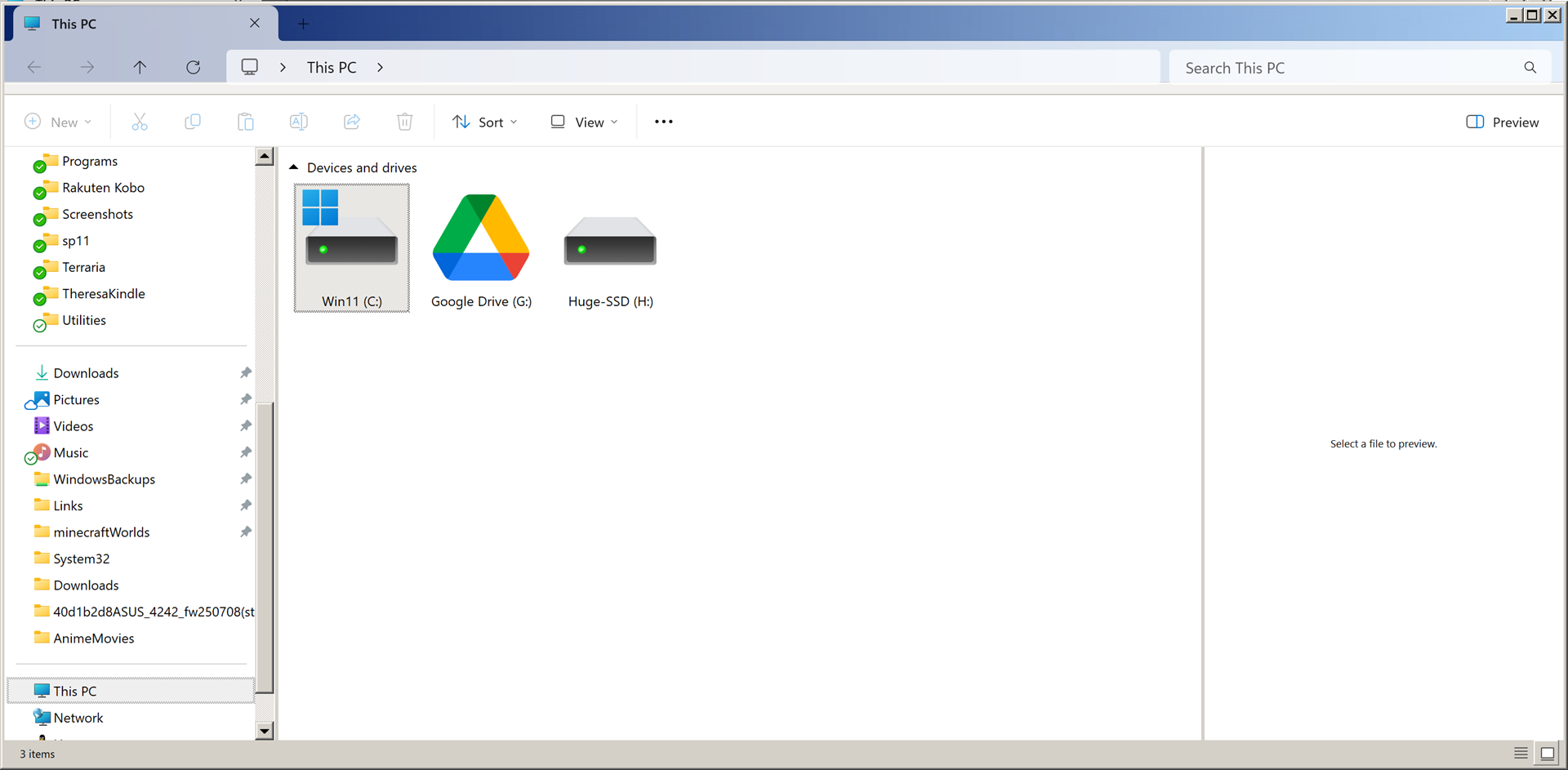
eXperience 11 theme: "Watercolor (XP Beta Build 2250) (Win11)"
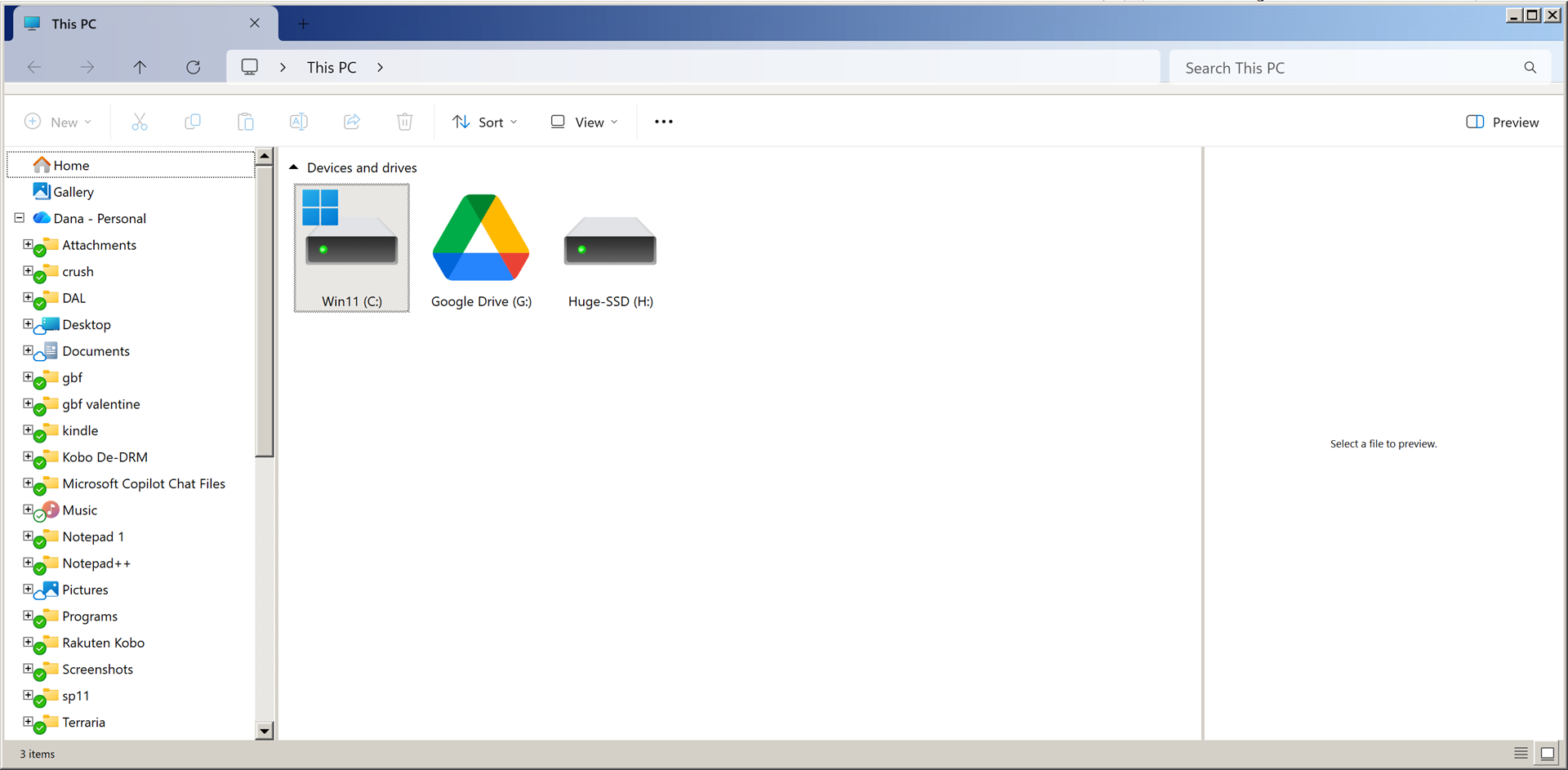
Watercolor XP Theme (with window maximized):