Multi-Monitor Swapping
from  Stardock Forums
Stardock Forums
hi!
I am running the latest version of windows 11 and the latest version of fences 6. I have a 2 monitor setup with monitors beeing placed one above (1) one below (2).
On every monitor sleep, relogin or restart of the computer my fences end up on the wrong monitor (monitor 2), So I have to go to the fences configuration -> Layout -> Layout auto-adjustment - > Store my layout (...) -> Adjust displays -> Swap contents of Monitors 1 and 2
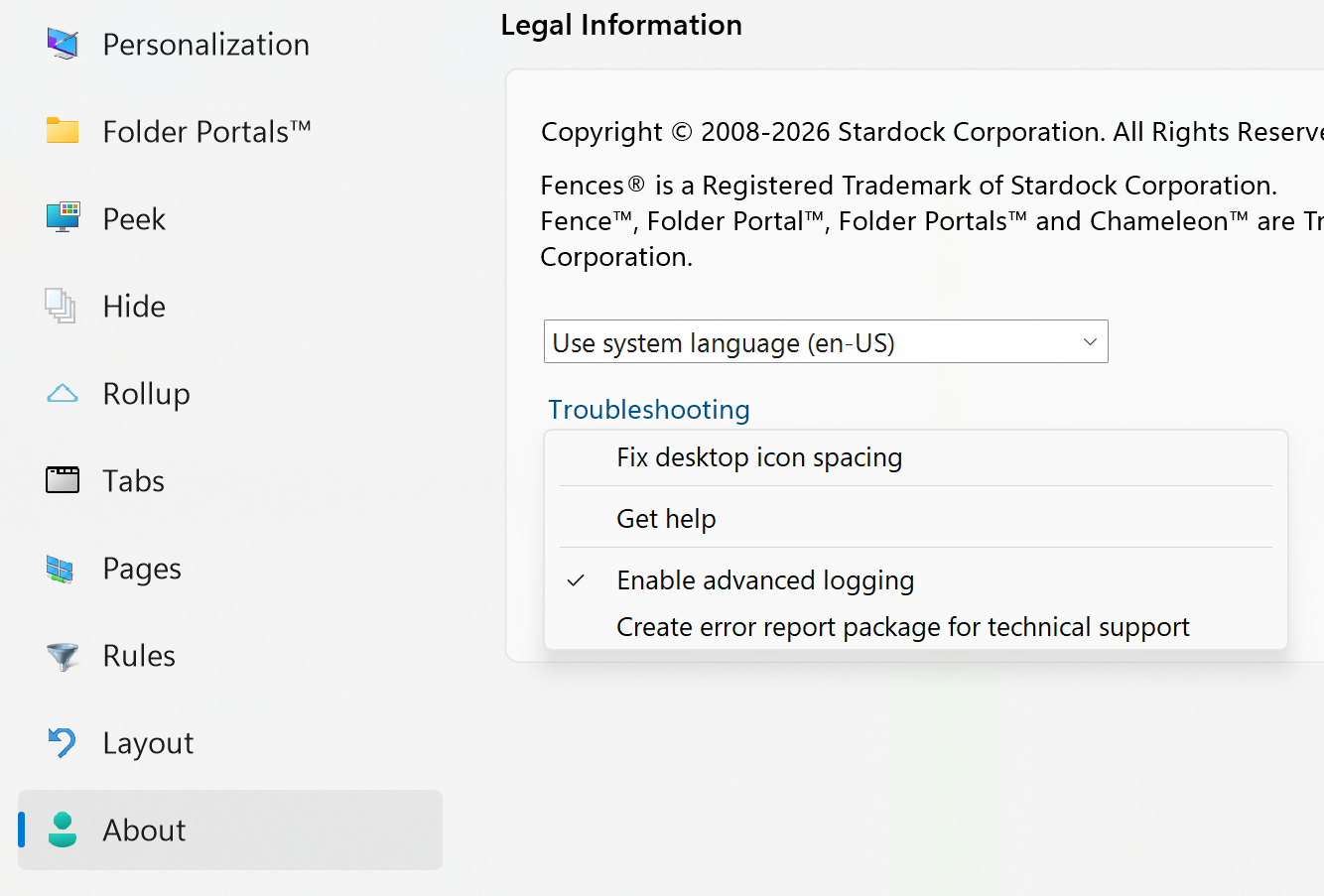
See attached screenshot.
So while it perfectly recognizes the monitors it still does not memorize the fences position in relation to the monitors.
Why is that?
Thanks
Sascha