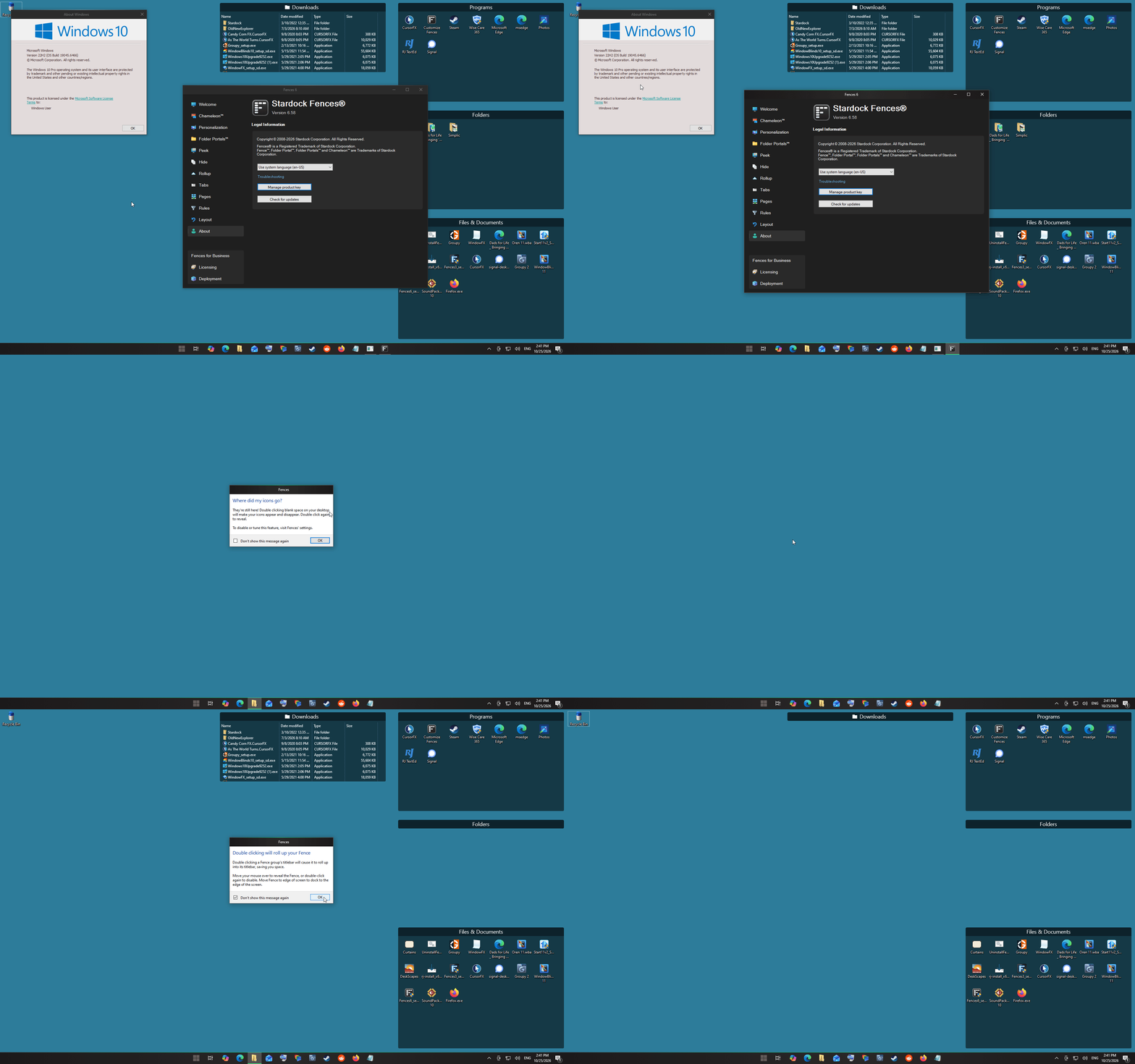
Fences 6.58: Create Fence menu appears on hover without clicking — Windows 10
 Stardock Forums
Windows Version Number: 10
App Version: 6.58
Hello,
I’m using Windows 10 with Fences 6.58.
Within the last week, the “Create Fence here / Create Folder Portal here” menu started appearing when I move or hover my mouse over the desktop, WITHOUT pressing either mouse button.
I have 14 fences and want to preserve their layout and Rollup settings.
What I have checked or tried:
• Windows ClickLock is off.
• Switching fence creation between left-button-only and right-button-only does not fix it.
• Disabling Rollup on two fences did not help.
• Restarting Windows Explorer did not help.
• Disabling and re-enabling Fences did not help.
• I saved a layout backup.
The same mouse has been in use for a year. I have not yet ruled out a mouse/input issue.
Is this a known issue in 6.58? Is there a way to disable the creation gesture entirely while keeping my existing fences and Rollup behavior?
Thanks
Mike