ObjectDock 3.01 – Drag & Drop ghost icon remains on screen with Auto-hide enabled
 Stardock Forums
Windows Version Number: Windows 11 Pro 26H2 26300.10075
App Version: 3.01
Issue description
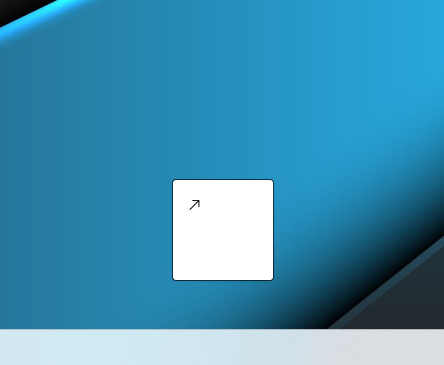
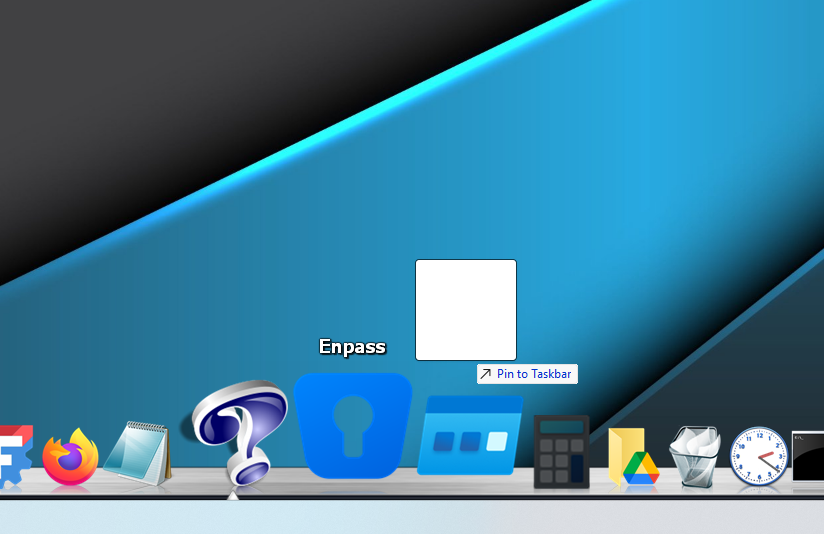
When ObjectDock 3.01 is running with Auto-hide enabled, dragging files across the area where the dock automatically appears can leave a ghost image of the dragged item on the screen.
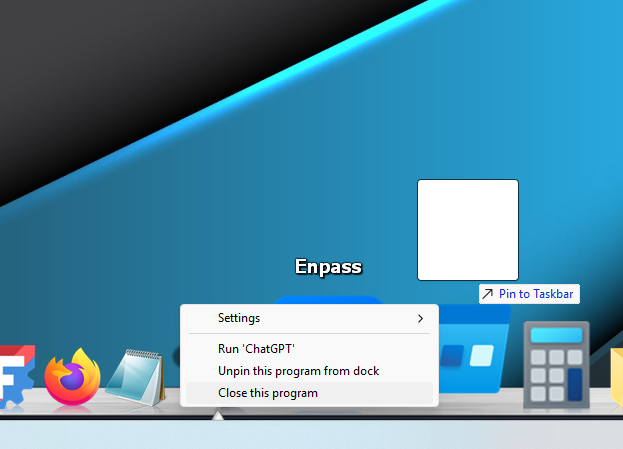
The ghost image may appear as a file icon, a blank white square, or a white square with a small arrow. Sometimes the tooltip "Pin to Taskbar" also remains visible.
Steps to reproduce:
-
Enable Auto-hide in ObjectDock.
-
Drag a file across the area where ObjectDock is hidden.
-
ObjectDock automatically appears while the file is being dragged.
-
The dragged item's image can remain stuck on the screen after the drag operation.
Observed behavior:
-
The ghost image may remain visible even after the drag operation has ended.
-
Restarting Windows Explorer does not resolve the issue.
-
Closing ObjectDock removes the ghost image.
-
Disabling Auto-hide appears to prevent the issue.
System information:
-
Windows 11 Pro 26H2 (Build 26300.10075)
-
ObjectDock 3.01
I have attached screenshots showing the issue with ObjectDock visible, its context menu open, and the remaining ghost image.
Please investigate the interaction between Auto-hide and Windows Drag & Drop rendering.
Thank you.