


Setting the Desktop Mood with Fences 7
 WinCustomize Forums
This week, we released Fences® 7, and besides a bunch of new features like Privacy Mode and the ability to search within Folder Portals™, we've also added support for Windows 11's Mica material and more options to customize the visual styles of your Fence groups.
One thing that stands out with this release is just how modern you can make your desktop look with updated rounded corners and subtle design refinements. When working on screenshots for a release, I always like to push the customization options to their limits, and sometimes strip everything back, just to see what's possible.
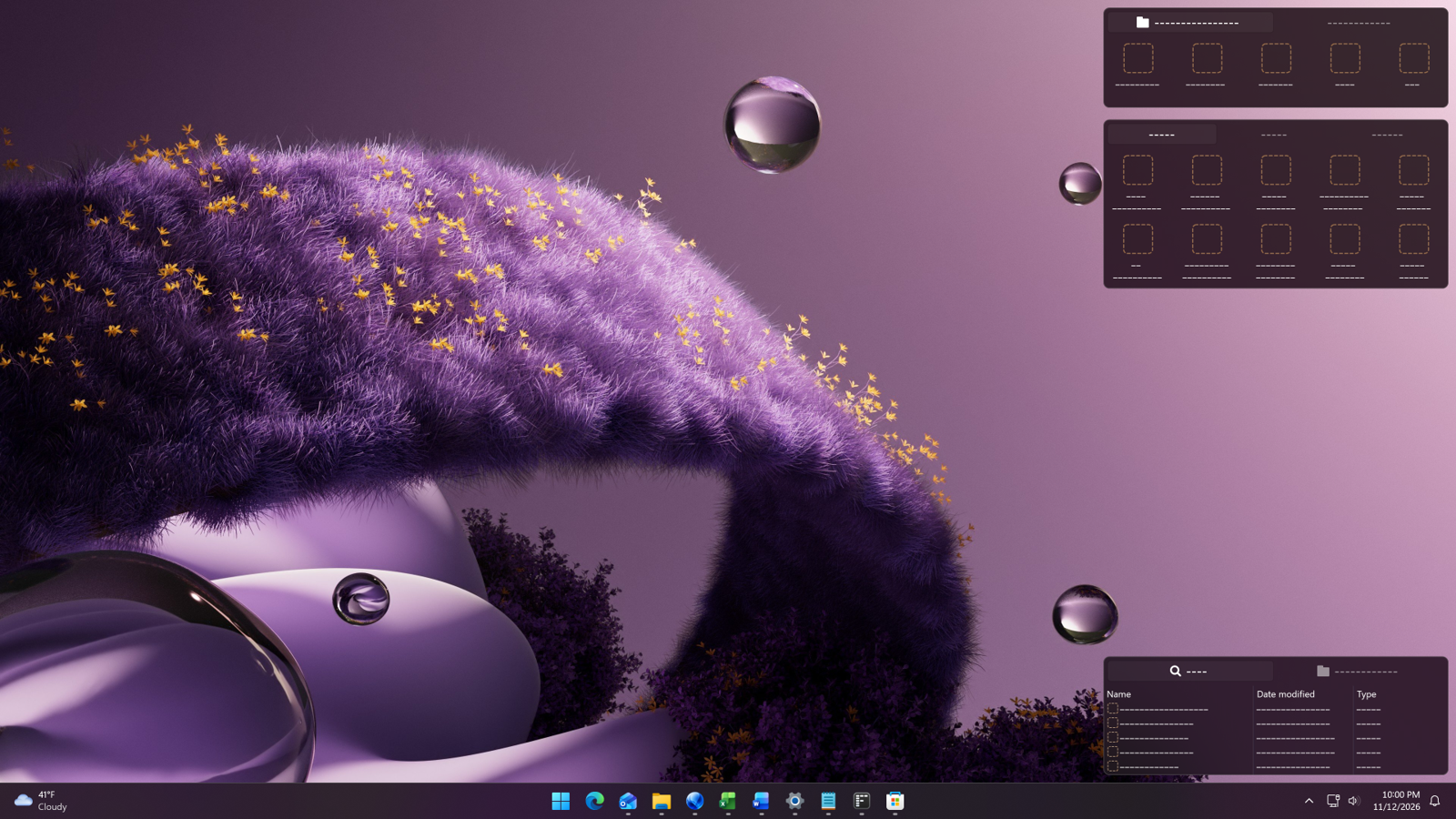
While doing this, I ended up with two very different desktop styles that I think highlight just how much you can do with Fences when it comes to visual customization. One uses bold purple elements, while the other, which I'm calling the Zebra layout, takes the opposite approach by removing color almost entirely.
Not all of the features used to create these designs are new in Fences 7, but I figured this community would appreciate seeing just how far you can take desktop customization. Until I started experimenting, I hadn't really considered that removing color could create such a striking design.
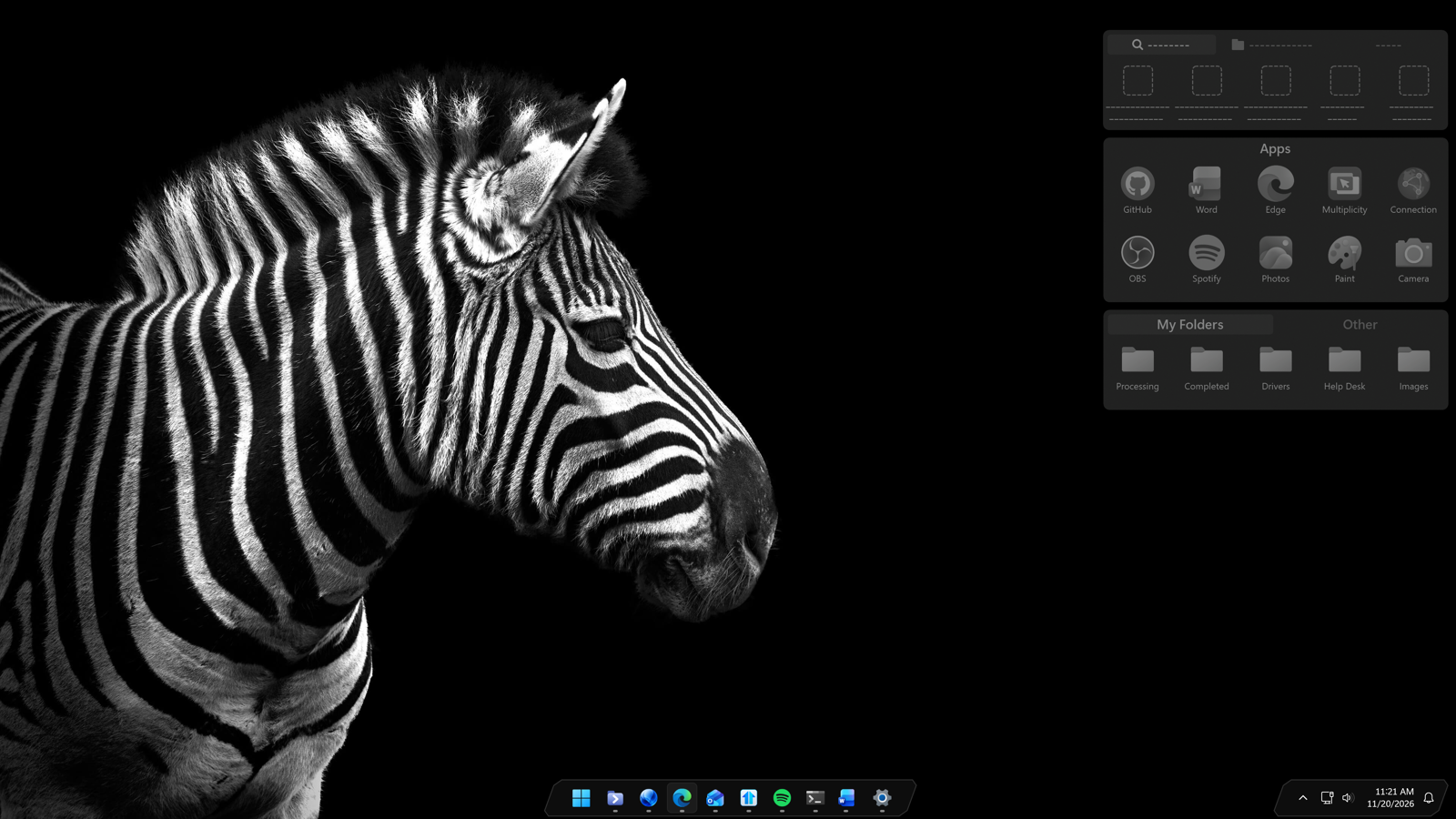
And if you have an OLED monitor, the Zebra layout looks especially good thanks to the deep blacks and high contrast.
For a little extra fun, the latest version of Start11 v3 also adds more styling options for the taskbar, allowing you to create a look that complements your Fence groups and icon colors perfectly.