Monitors of Different Resolution - Spread Out Icons - Fences Messed up
 Stardock Forums
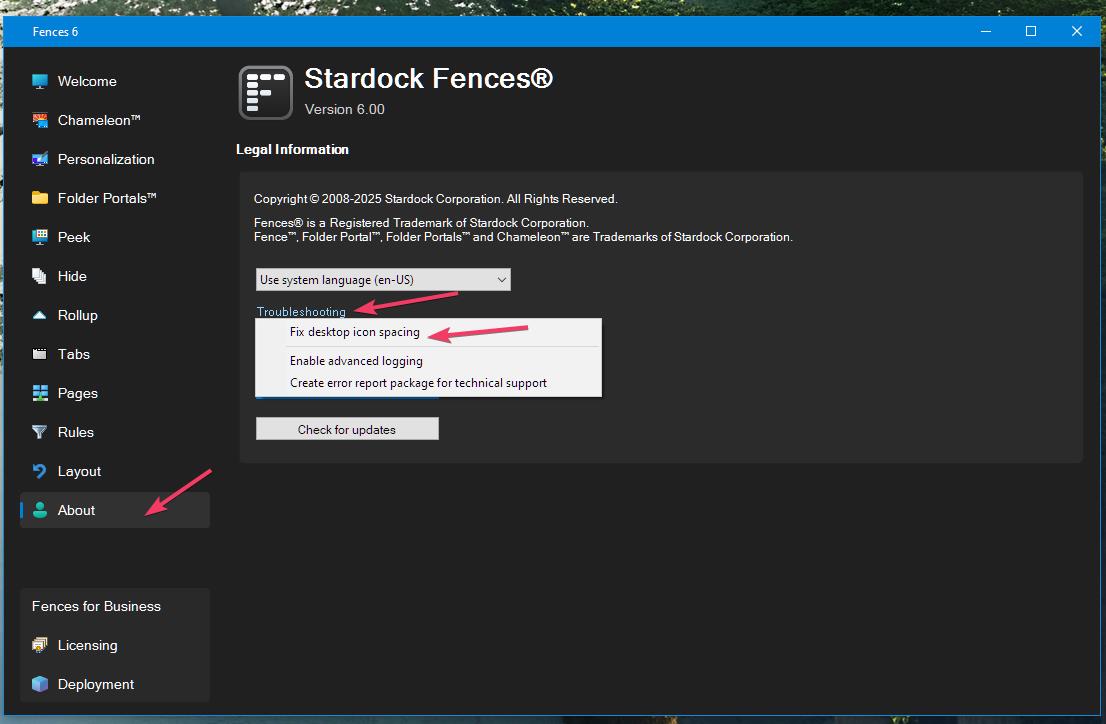
I have the latest Fences 6. Really, this is Windows issue that then effects Fences. So, a fix for either the Windows issue (probably not possible) or the Fences issue would be appreciated.
I have a 1080p Monitor and a 4k Monitor that I switch between each with their own scaling set higher than the default 100%. When switching between them, Windows will mess up and widen the Desktop spacing of the icons. A simple restart of the Explorer processes corrects the icon spacing, BUT Fences will resize due to Windows widening the spacing.
I know upscaling my 1080p monitor to 4K will possibly work, or possibly using 100% scaling for both monitors will work, but both of these options are not useable for me visually. I tried toggling the option in Fences to use the same spacing icon spacing inside and outside of Fences, neither option helps.
Is there any way to prevent Fences from resizing when the Windows's icon spacing gets widened, or maybe fix the root cause of Windows messing up the icon spacing? Thanks!!!!