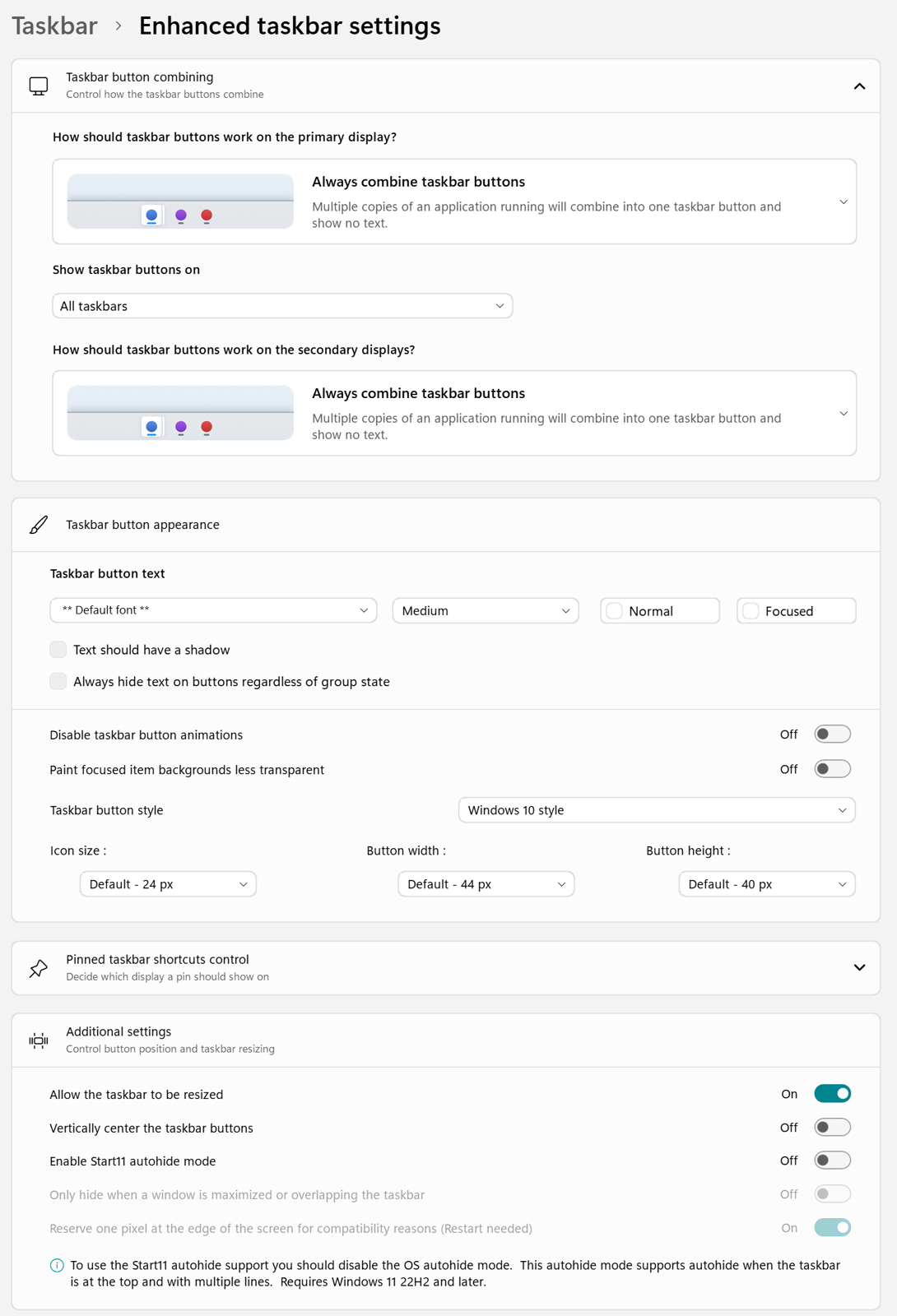
No preview in taskbar--can't switch between windows with taskbar buttons combined.
 Stardock Forums
Windows Version Number: Windows 11, version 25H2 (26200.945)
App Version: 2.8
I cannot (consistently) get the preview for taskbar icons to show up, making it impossible to switch between windows when I have taskbar buttons combined. Whether I hover over the icon or click on the icon for a program with multiple windows, I can't get it to work. Whenever I restart explorer, sometimes, for the first couple times I mouse over an icon on my taskbar (whether it be one window or a group of windows) an extremely cut-off version of the normal preview appears. If I'm able to get the preview to appear multiple times, each time it will be more cut off.
This is with the enhanced taskbar, with basically everything I have control over set to windows 10. This is on Windows 11, version 25H2 (26200.945), as well as prior to the latest security update, on the version of windows 11 I got when I installed it yesterday. My computer is a Surface pro-7.
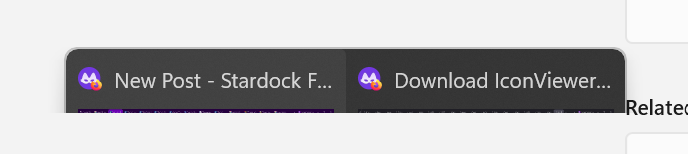 This was the second time I viewed the preview after last restarting explorer. The time before that more was visible of the preview window, but still less than half. At another point the first and only time I was able to view a preview, it looked more or less like this.
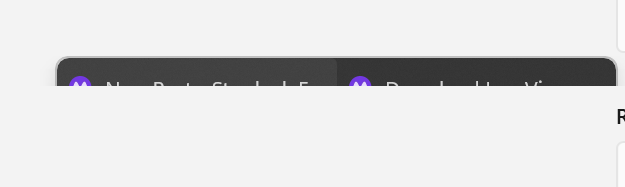 This occurred the next time I hovered my cursor over the icon. Following this time, whenever I hovered over it I would see nothing.
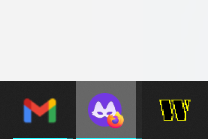 This is what it looks like whenever I'm hovering over a tab window(the screenshot program does not capture the cursor, but my cursor was, at this moment, hovering over the incognito firefox icon. It's a little hard to see, but there were two windows here.
Whenever I click on the icon for the combined windows, no preview appears either. generally it either takes me to the most recently used window of that program (which is useless considering how often I'm still on that page--it essentially does nothing), or the following appears:
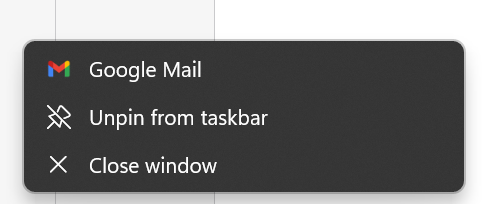
This happens typically the second time I click on the firefox icon, and is the same as a right-click on the gmail icon, so I'm assuming the double click is read as equivalent to a right click, just with a separate bug that shifts it over one. When I double click on the gmail icon (if I have multiple windows open) it does the same thing but with the windows explorer options (windows explorer being to the left of gmail). When I right-click on firefox incognito it is correct.
Needless to say this is incredibly frustrating and makes the whole program basically unusable, at least the way I'd like to use it. I've tried to find a solution to this, to no avail. I have found multiple people with similar problems, but no solutions whatsoever. I've tried uninstalling, I've reinstalled. I tried the beta release, and had the same problem. I've rebooted my computer so many times, I'm quite frankly sick of it. There are many things I like about start11, even if there's still plenty more it can't help me with in getting 11 to look like 10, and I'd be frustrated to have to give them up, and go back to the ugly windows 11 taskbar, but at this point I'm not exactly sure what I can do. Unless I want to disable the combining of taskbar button groups, I really can't do anything.