ObjectDock Not Respecting Windows Dark Mode
 Stardock Forums
I purchased ObjectDock 3.01 for my fresh install of Windows 11 I just set up. I've used it before, but now I'm having a weird quirk.
I have my desktop theme set to dark mode where all the Windows File Explorer/menu bars load with the dark theme (IE: File Explorer, dialog boxes, ect).
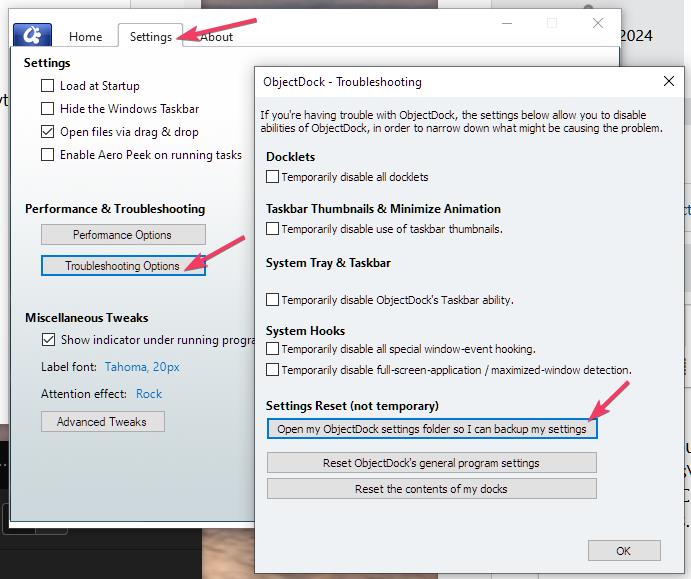
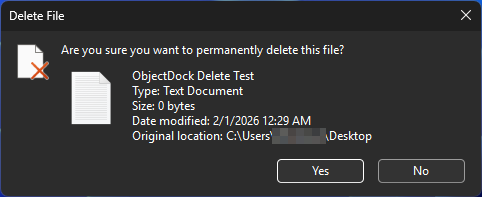
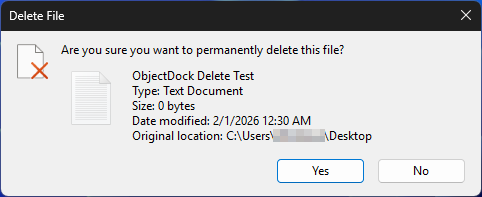
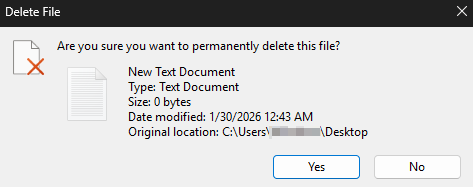
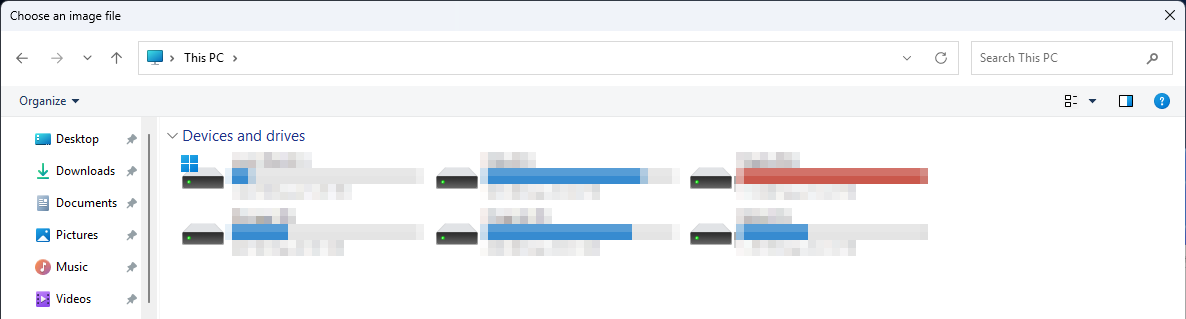
When I first installed ObjectDock, it would follow this color scheme. But I noticed tonight, after trying to clear the Recycle Bin, this color theme seems to be broken (just in the app, Windows is fine). It's also happening in the settings menu (when I try browse folders from within ObjectDock, to look for custom icons for example).
Here are some screenshots:
What my dialog boxes look like in Windows 11 (and how ObjectDock started out):
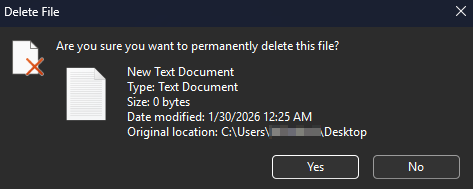
What ObjectDock is doing now:
Moved to ObjectDock area